NCP Authenticator App - Free Offline TOTP 2FA
Generate secure one-time passcodes for two-step verification. Completely offline. The NCP Authenticator App works with any account that uses standard TOTP method. Because passcodes are generated directly on your device, no internet or network connection is ever required.
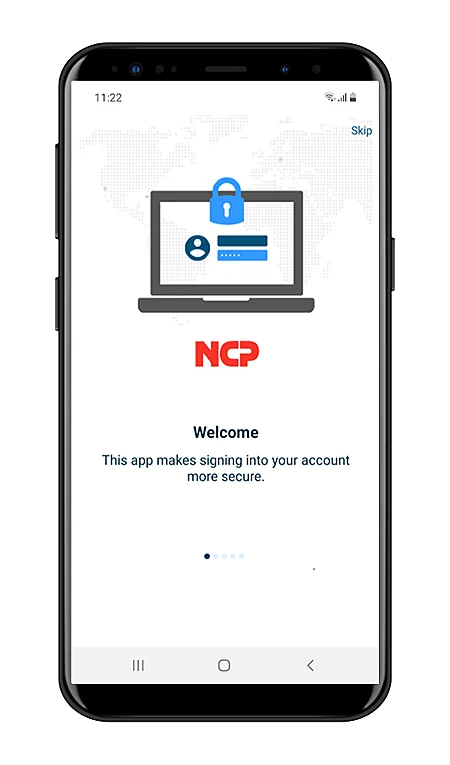

How it works
- Add an account – scan a QR code with your device camera, tap a link from your browser, or enter the setup key manually.
- Generate a code – the app produces a new time-based passcode on your device every 30 or 60 seconds, no internet needed.
- Sign in – enter your password plus the current passcode to complete two-step verification.
Pairs with NCP Secure Enterprise Management (SEM)!
Work with accounts you already use
The NCP Authenticator App isn’t limited to NCP VPN accounts. It supports any provider using the standardized TOTP protocol, including:
- NCP VPN accounts
- Dropbox
- PayPal
- Any other service offering TOTP-based two-factor authentication
Key Features
| Protocol | Time-based One-Time Password (TOTP), RFC 6238 |
| Hash algorithms | SHA-1, SHA-256, SHA-512 |
| Code length | 6 to 8 digits |
| Time step | 30 or 60 seconds, configurable |
| Connectivity | Fully offline – no internet or network connection required |
| Account setup | QR code scan, browser link, or manual entry |
| Convenience | One-tap copy to clipboard |
| Security | Optional biometric lock (via NCP SEM enforcement) |
| Platforms | iOS and Android |
| Cost | FREE |
FAQ’s
This page answers common questions about generating, configuring, and using time-based one-time passcodes with the NCP Authenticator App.
Yes. It’s a free download on both the Apple App Store and Google Play, with no subscription or in-app purchase required. TOTP codes are generated entirely offline, on-device. The app never needs network access to produce a valid passcode.
Yes. Any service implementing the standard TOTP protocol, including Google, Microsoft, PayPal, and Dropbox will work with the app, since account setup uses standard QR code or manual key entry, not an NCP-proprietary format.
SHA-1, SHA-256, and SHA-512, matching the algorithm the target services specifies during setup.
Functionally, all three generate standard TOTP codes and are interoperable with the same range of services. The NCP Authenticator App’s differentiator is native integration with NCP’s Secure Enterprise VPN and Secure Enterprise Management platform, including centrally enforced biometric lock, a capability not available in more consumer authenticator apps.
No. It doesn’t by design. The app has no cloud sync or backup features at all, so there’s nothing stored on a server for an attacker to target. Many competing authenticator apps now default-promote account-tied cloud backup, or depend on push notifications routed through the vendor’s own cloud infrastructure. NCP’s TOTP secrets and generated codes never leave the device, so there is nothing to sync, which means there is nothing to breach.

